How can I add my own notes?
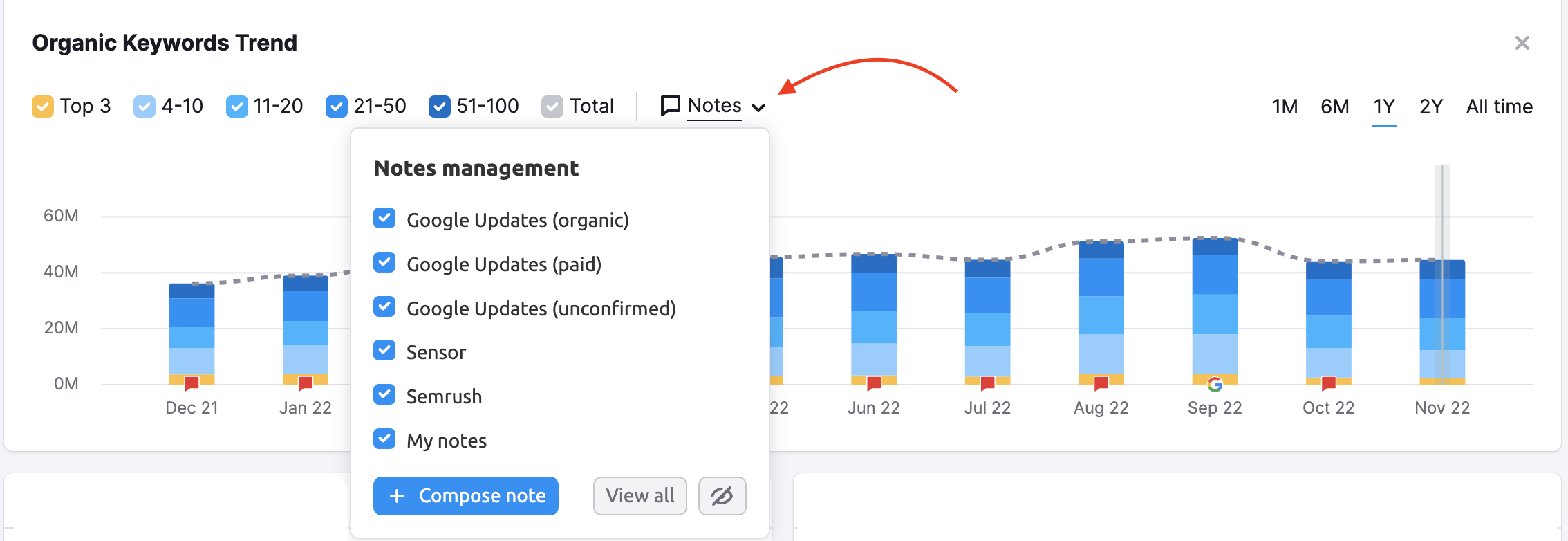
Notes can be managed with the Notes Management menu on the widgets where the notes are available. From the drop-down, you can add new notes or open the management window to view all the notes (click “View all”).
In the Notes management window, you can scroll through the list of notes and hide an individual note with the eye icon in the far right column.

The complete list of Notes added by Semrush across all reports is available at semrush.com/notes (or by selecting the “Go to all notes” button in the window above).
Also, you can add notes from the Notes section.

 Back to Semrush Toolkits category